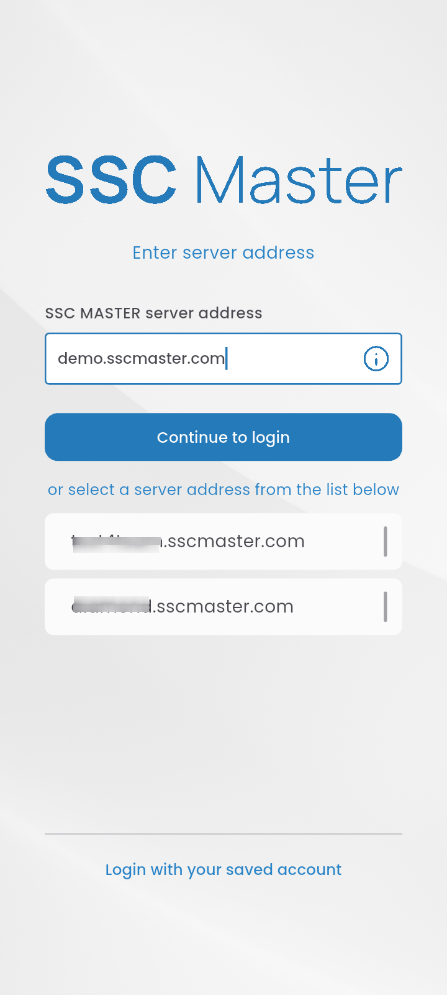
After launching the application, enter your login credentials:
SSC Master server address (e.g., demo.sscmaster.com), or select another one (if previously entered)
Login: email address
Password: password for the SSC Master platform
Click the LOGIN button.

If the password is entered incorrectly five times, the system will lock access to the account for 10 minutes for security reasons.

If you don’t remember your password, press FORGOT PASSWORD at the bottom of the page.
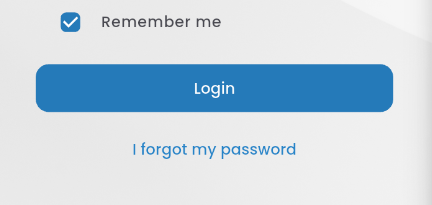
Three options will be displayed:

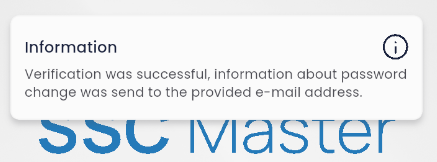
RESET PASSWORD – requires entering the correct server address (e.g., demo.sscmaster.com) and your login, which is your email address. If the information is correct, a confirmation message will be displayed after pressing the button.
LOGIN – use this button when you have remembered your password.
CONTACT THE ADMINISTRATOR – this button is used to report exceptional situations or problems with logging in and password reset. After clicking the link, a submission form will appear, which must be filled out and sent.