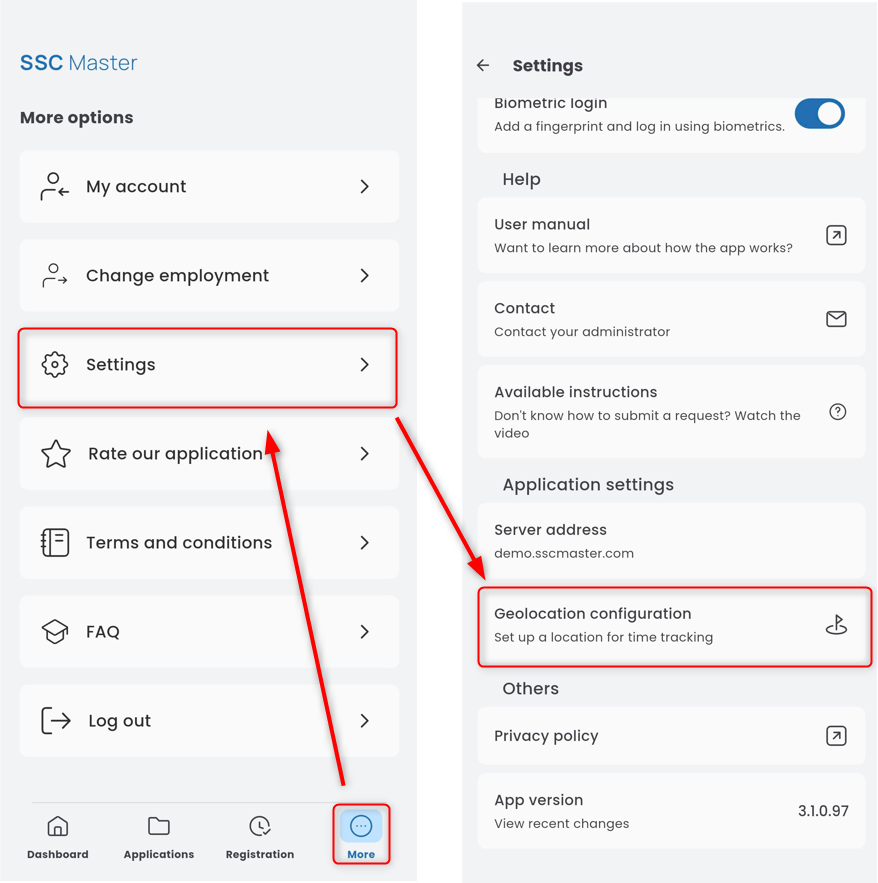
To configure and add geolocation for a specific location, open the SETTINGS panel and go to the GEOLOCATION CONFIGURATION tab.
In the next step, select a specific location. Click the ‘+’ button next to the appropriate element of the organizational structure (e.g., department) and set the GPS position. This can be your current location, a specific point on the map, or a manually entered address.
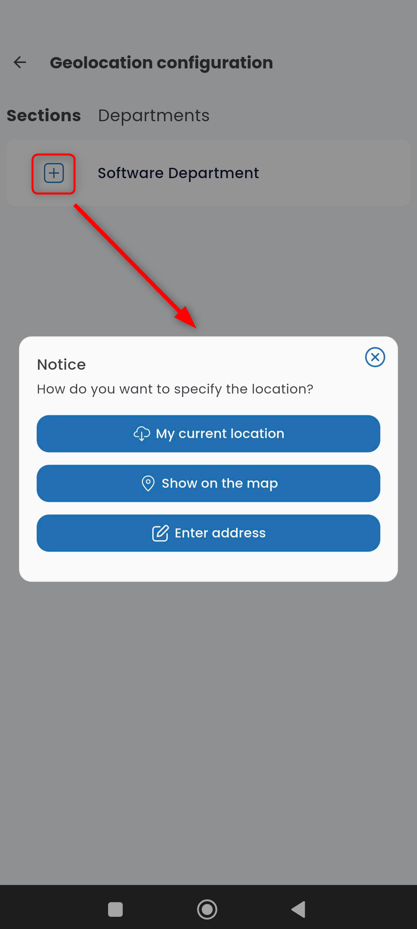
My current location – location according to the current GPS reading

Select on the map – specifying a particular spot on the map
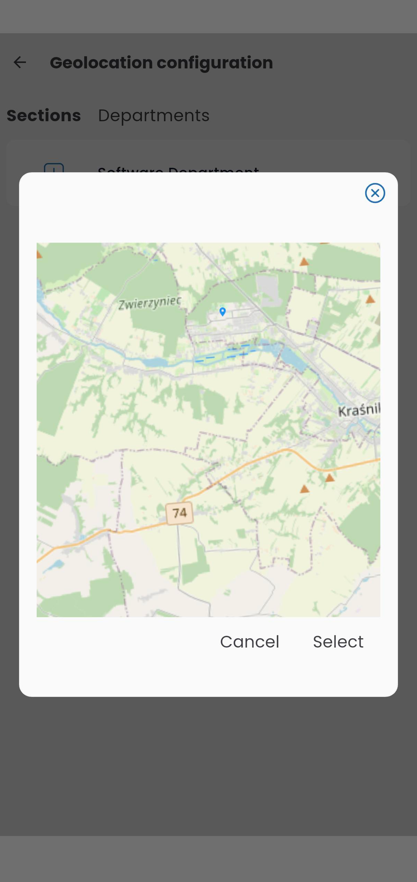
Enter address – allows you to provide an address and then confirm the location on the map
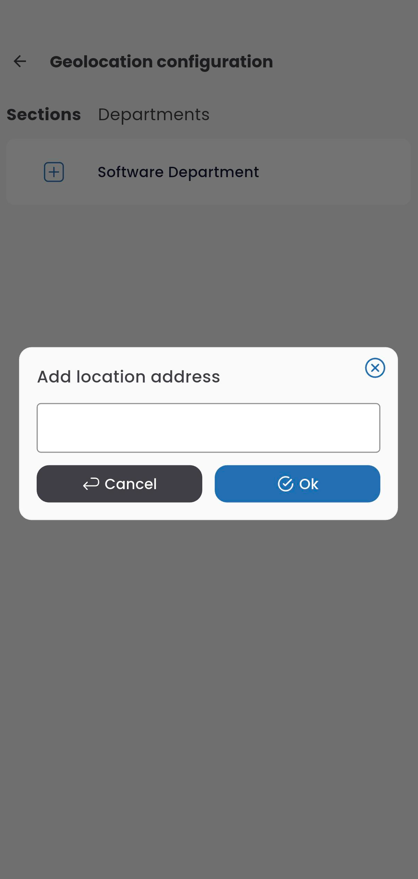
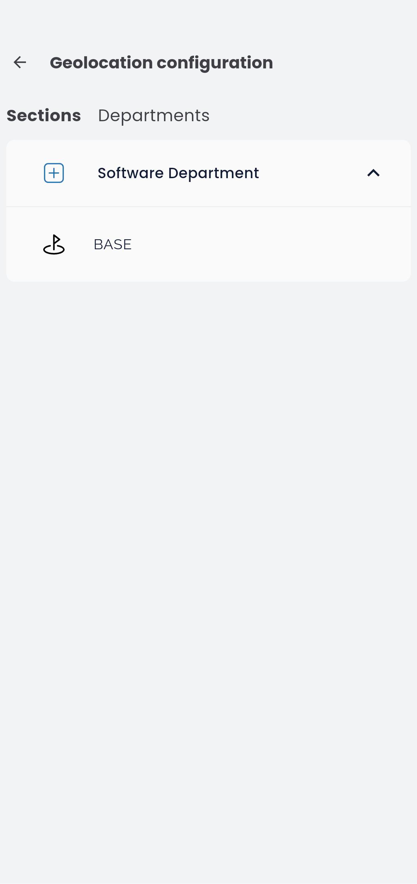
After selecting a specific location, add its description and confirm by clicking the OK button. The correctly saved location will appear on the list.