To create an asset type, launch the ASSETS application, click the “+” button, and select ASSET TYPE.

Enter the registration number format and choose the asset type administrator.

In the DOCUMENT DETAILS tab, you add tabs used to describe assets. To rename a tab, click EDIT TAB. Enter the tab name and save it using the floppy disk icon.

Add a row to the tab. Choose a field type. It can be:

a text field
a numeric field, where you can also configure the number of allowed decimal places and define whether it should be treated as a currency

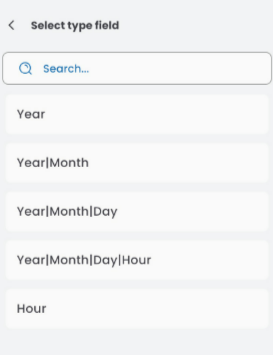
a date field, where you set the date format
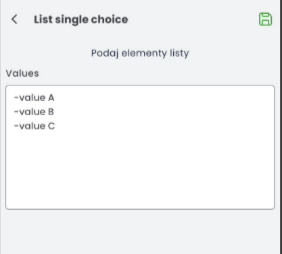
single-choice and multi-choice lists, where you enter the values available for selection in the asset document
an attachment
If you want the row in the tab to be mandatory, check the FORCE field. Press ADD ROW to add another row to the same tab.

To add a new tab, click ADD TAB.

In the CATEGORY section, enter the name of the asset type, description, assign a category, and in the description fields, choose which ones should be transferred to the description in the asset document.

Save the completed document using the floppy disk button.