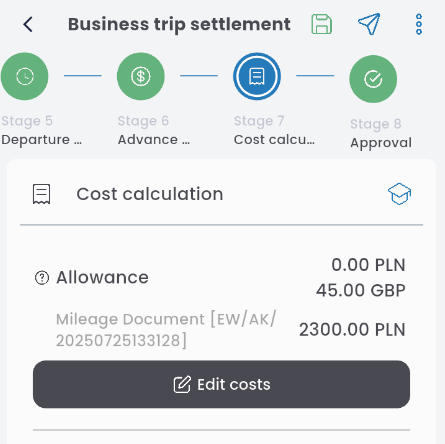
Click the EDIT COSTS button to record expenses incurred during the business trip.
Depending on the system configuration, several different types of costs may be available. To add them to the calculation, press the + button and select a cost from the list.
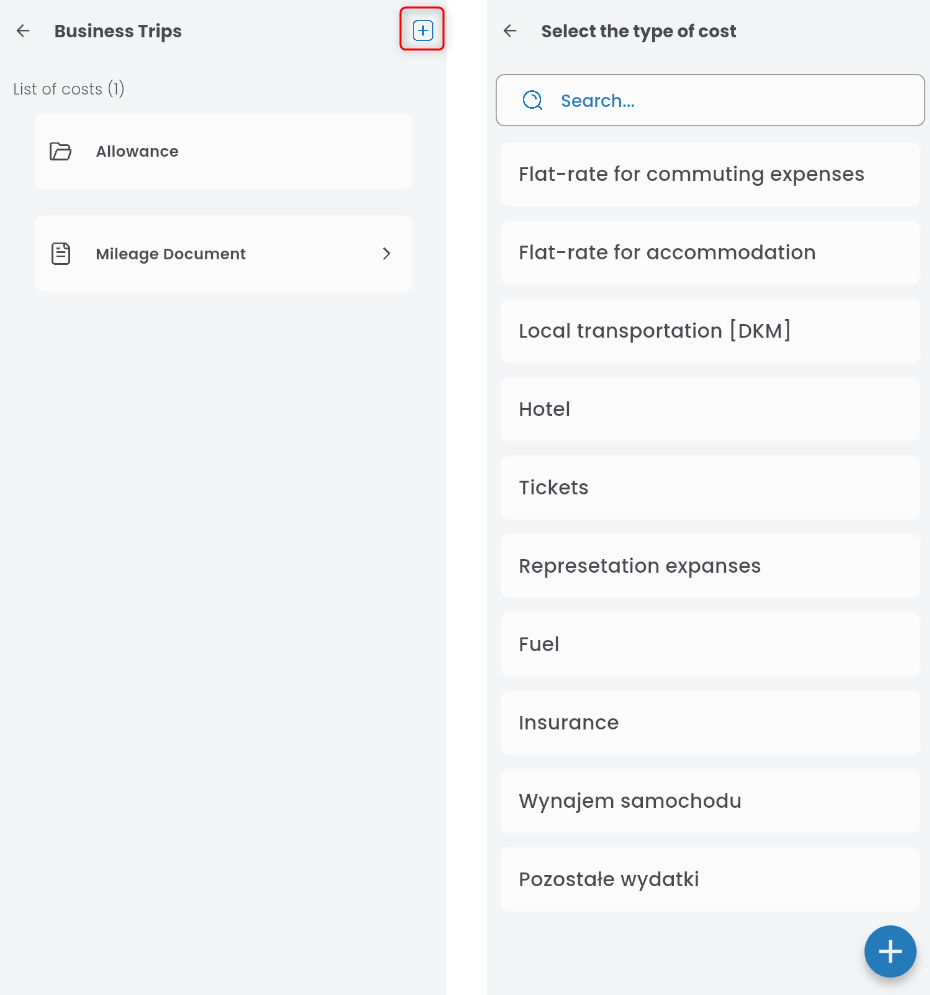
Below is a description of the most commonly used cost groups.
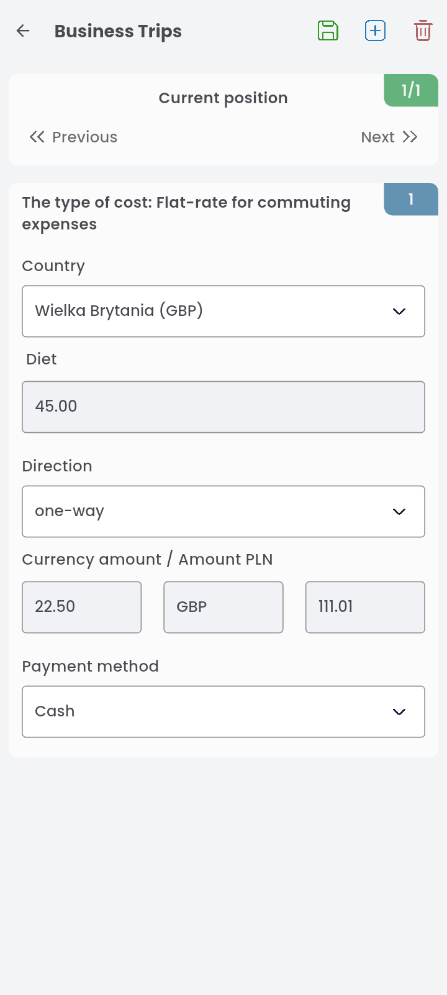
1) Flat-rate for commuting expenses
Select the country, travel direction, and payment method.
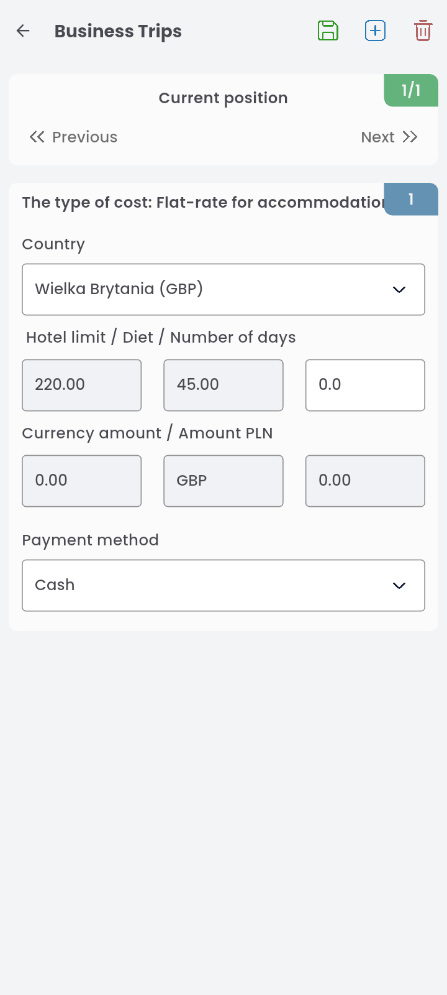
2) Flat-rate for accommodation
Select the country, enter the number of days, and select the payment method.
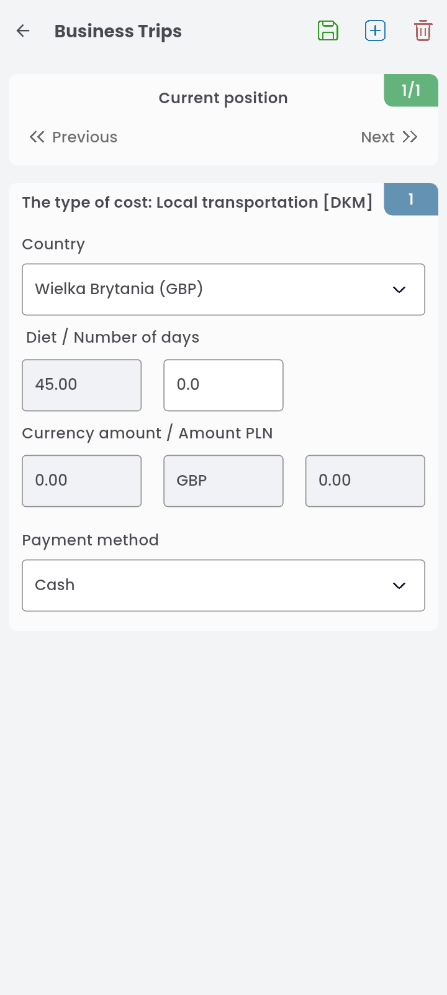
3. Local transportation [DKM]
To enter the cost related to local transportation in the city where the business trip takes place, enter the country, specify the number of days, and select the payment method.
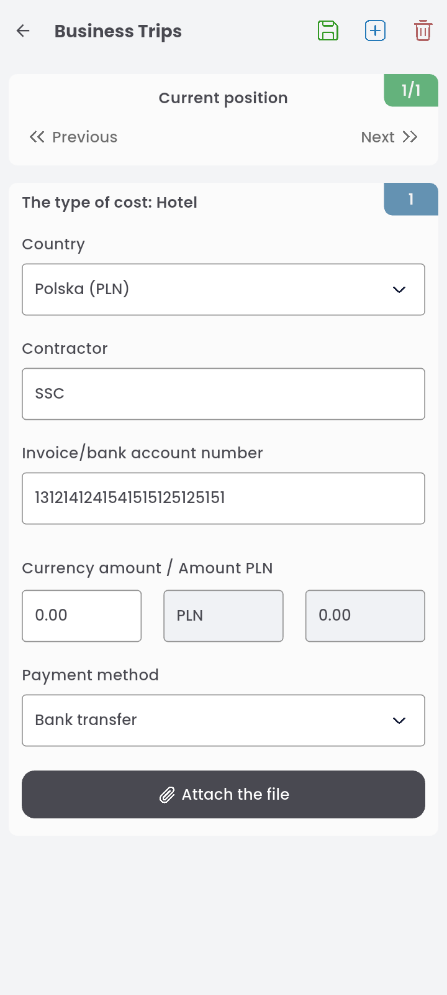
4. Hotel limits
Select the country related to the cost from the list, enter the number of days, the amount, and choose the payment method. The amount cannot exceed the hotel allowance limit; entering a higher amount will trigger a warning.
Note: The types of costs and required data are determined by the accounting department. Another example of a cost could be INSURANCE, with required data including:
– country
– contractor name
– invoice number
– amount
– payment method
– desription
– link to the related document
– attachment
Allowance
The cost related to allowances in the trip settlement will appear automatically. To define costs, click the link.

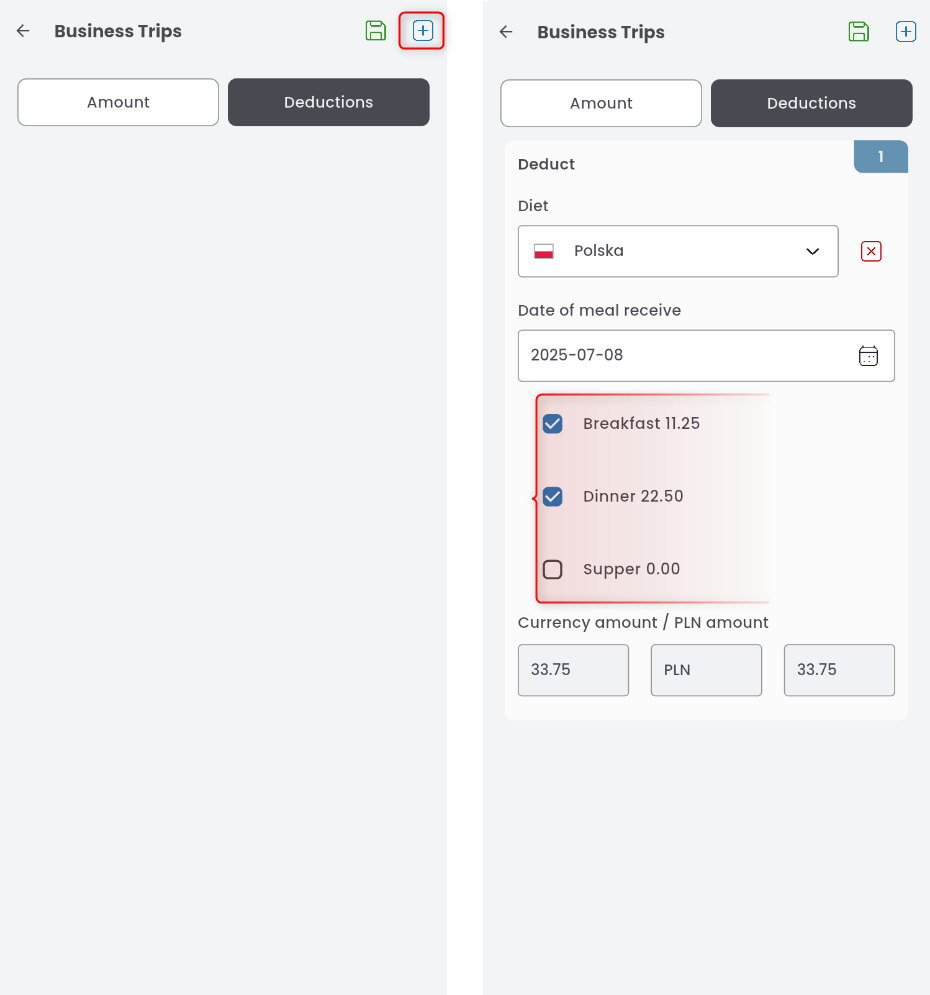
A window with two tabs will appear: AMOUNT and DEDUCTIONS. In the DEDUCTIONS tab, you enter meals provided during the business trip. Click the + button to add a new row. Enter the date the meal was received, select the country you were in on that date from the list, mark which meals you received, and confirm.
Deductions for provided meals will be calculated and summarized in the first tab, AMOUNT.
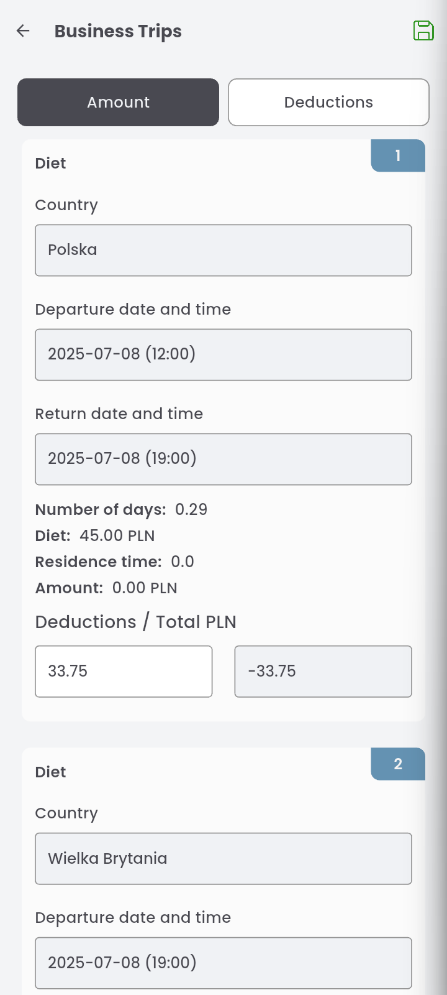
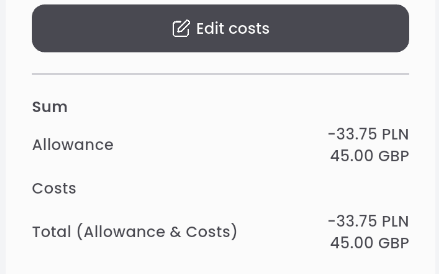
Settlements update in real time in the table: