If a private car is used as the means of transport, a mileage log must be settled. In the COST CALCULATION section, click EDIT COSTS.
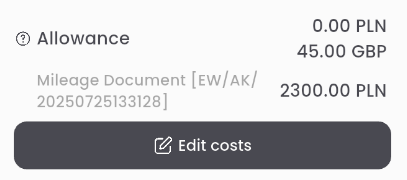
From the list of costs, select MILEAGE DOCUMENT.

This will open a new document. Go to the REQUEST DETAILS tab.
In the TRIP DETAILS section, enter the number of kilometers traveled on each segment. The system will automatically calculate the travel cost by multiplying the number of kilometers by the rate per kilometer corresponding to the vehicle class.

Click SAVE to save the vehicle mileage log document.

Note: depending on HR department requirements, it may be necessary to send the document for approval (e.g., by the logistics department, which will confirm the actual number of kilometers). In such cases, the send for approval button and the APPROVAL PATH section will be available.