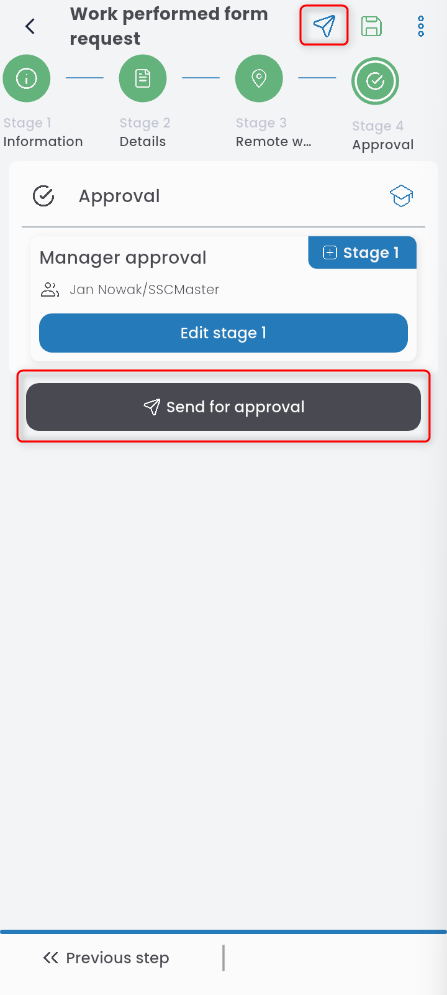
To submit a request for a work arrangement, go to the LABOR application, click the ‘+’ button, and select LABOR REQUEST.
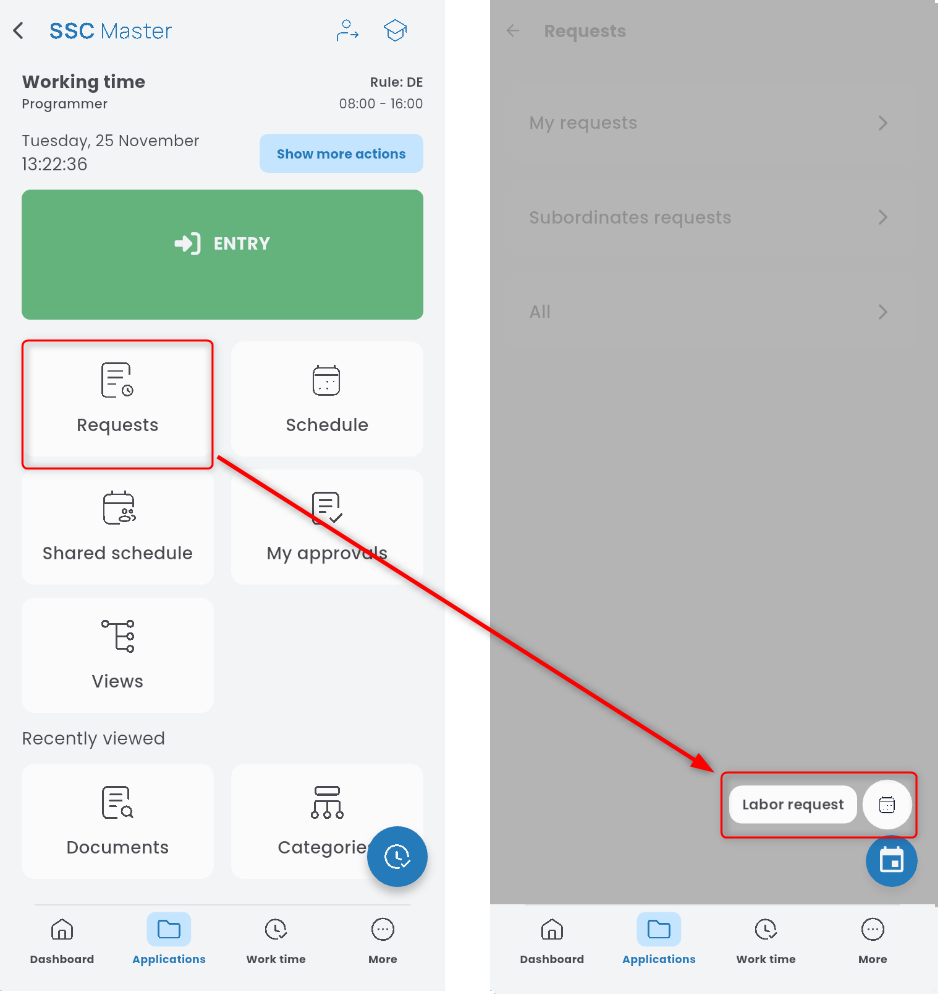
From the list, choose REQUEST FOR WORK PERFORMED FORM.
Select the date range for the request.

Indicate the form of work to be performed (e.g., remote, on-site, hybrid).

Save the entered data using the disk icon.

The saved changes will appear in the DETAILS tab. You can add a new entry by clicking the ADD button and repeating the steps above,

or use the gear icon to copy or delete an existing entry.

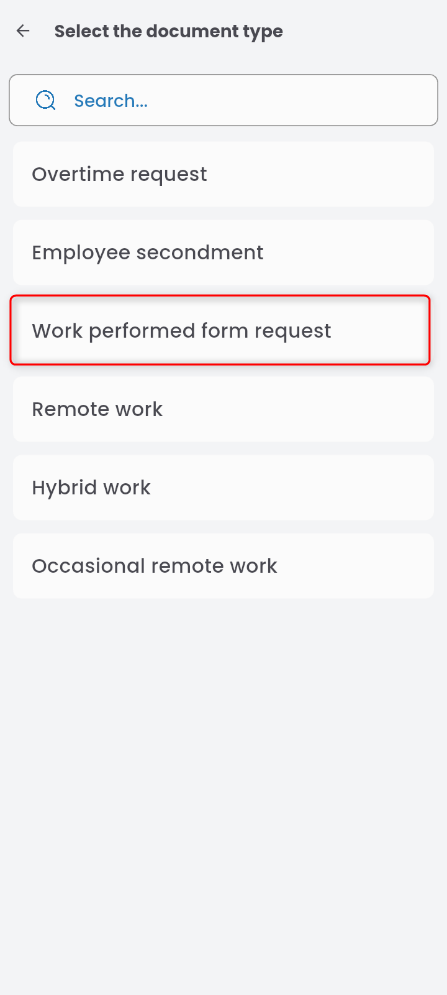
In the INFORMATION tab, you can specify a notified person. Click the field and select someone from the list.
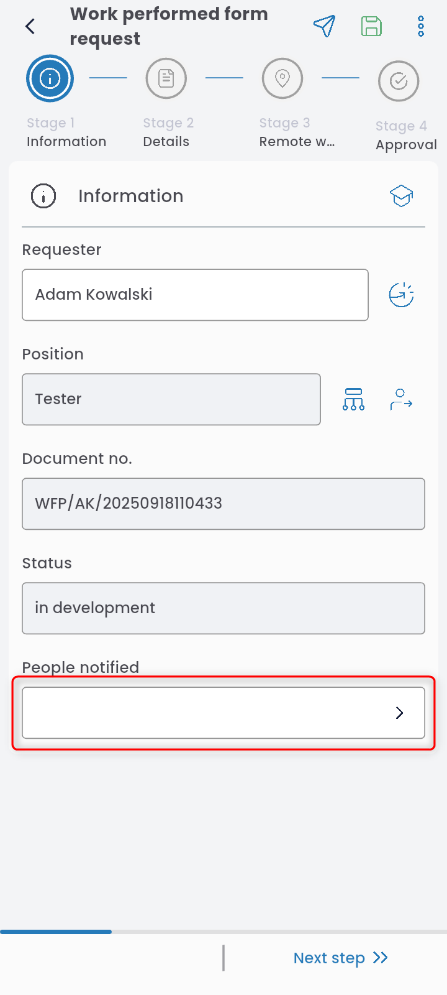
Go to the APPROVAL tab. If the approval path is not filled in, click EDIT STAGE, select a person from the list, and confirm by clicking the disk icon in the upper right corner.

Once completed, send the request for approval.