Video tutorial
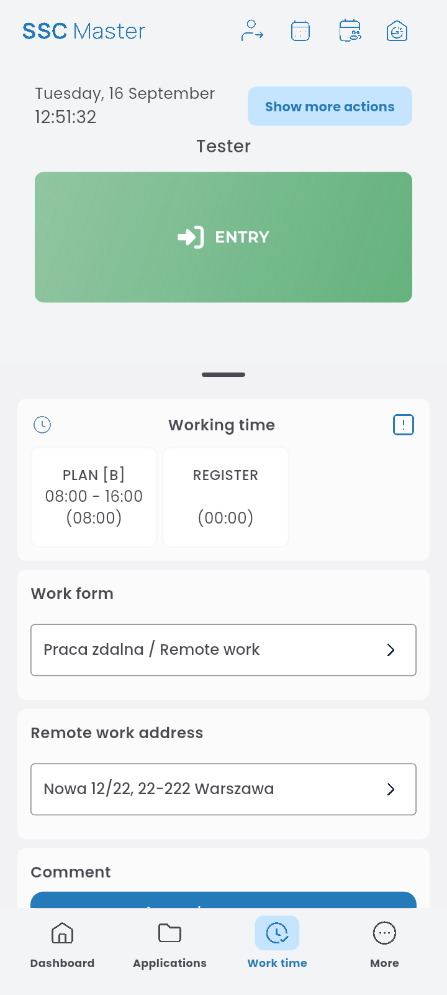
In this section, you can record clock-ins and clock-outs (start and end of working time).
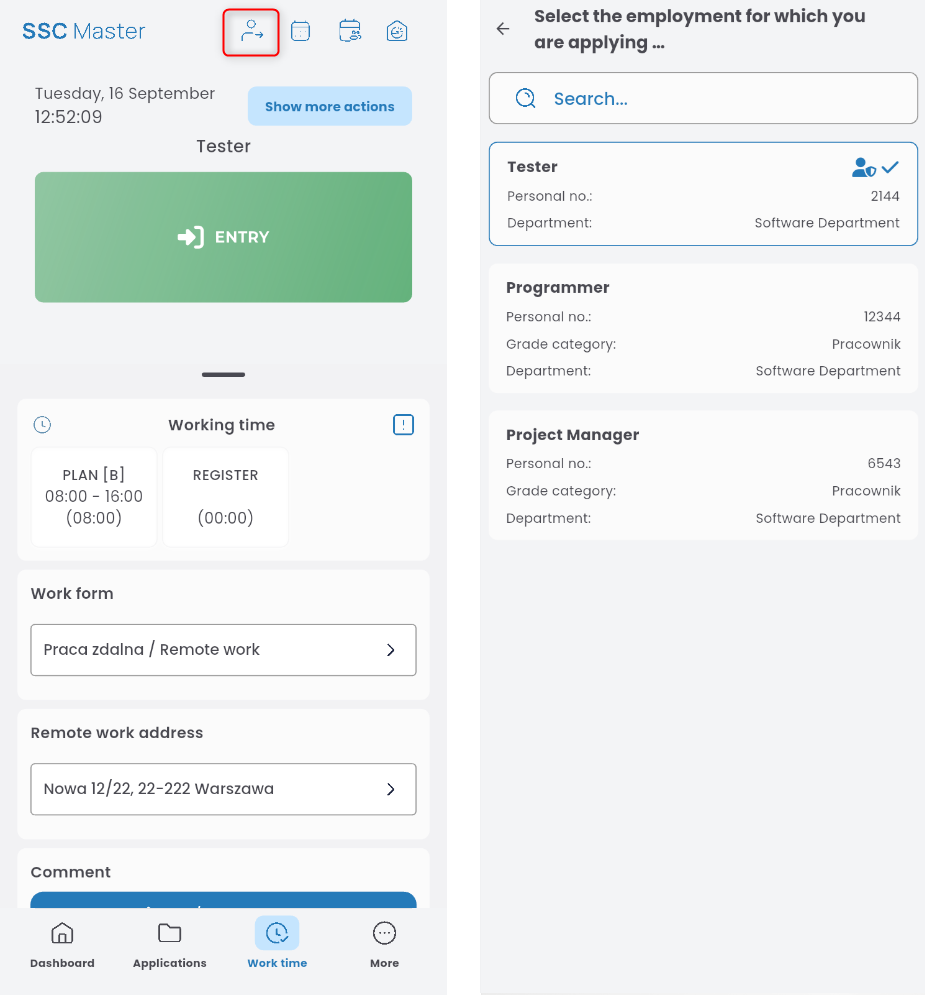
If you have more than one employment and want to register working time for a specific one, click the person icon in the top right corner and select the appropriate employment.
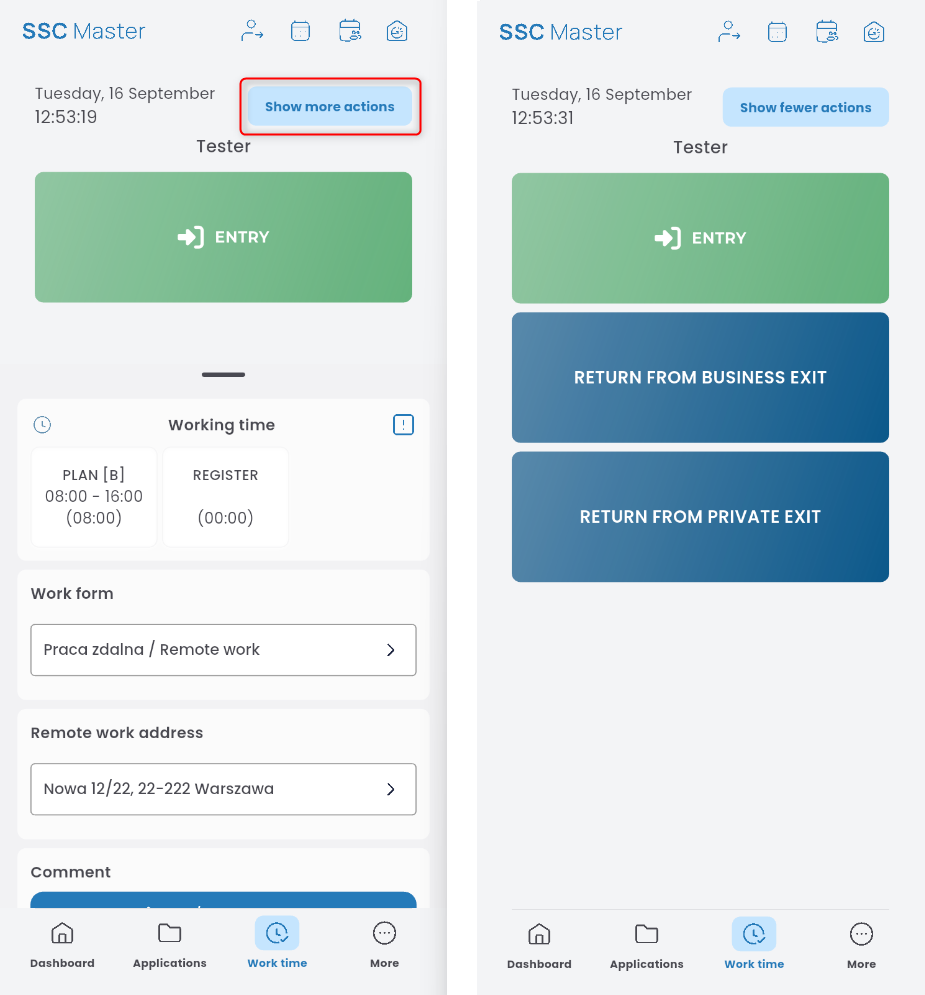
Besides clocking in and out, you can also register private/business breaks and returns. Click the SHOW MORE ACTIONS button and select the appropriate action.
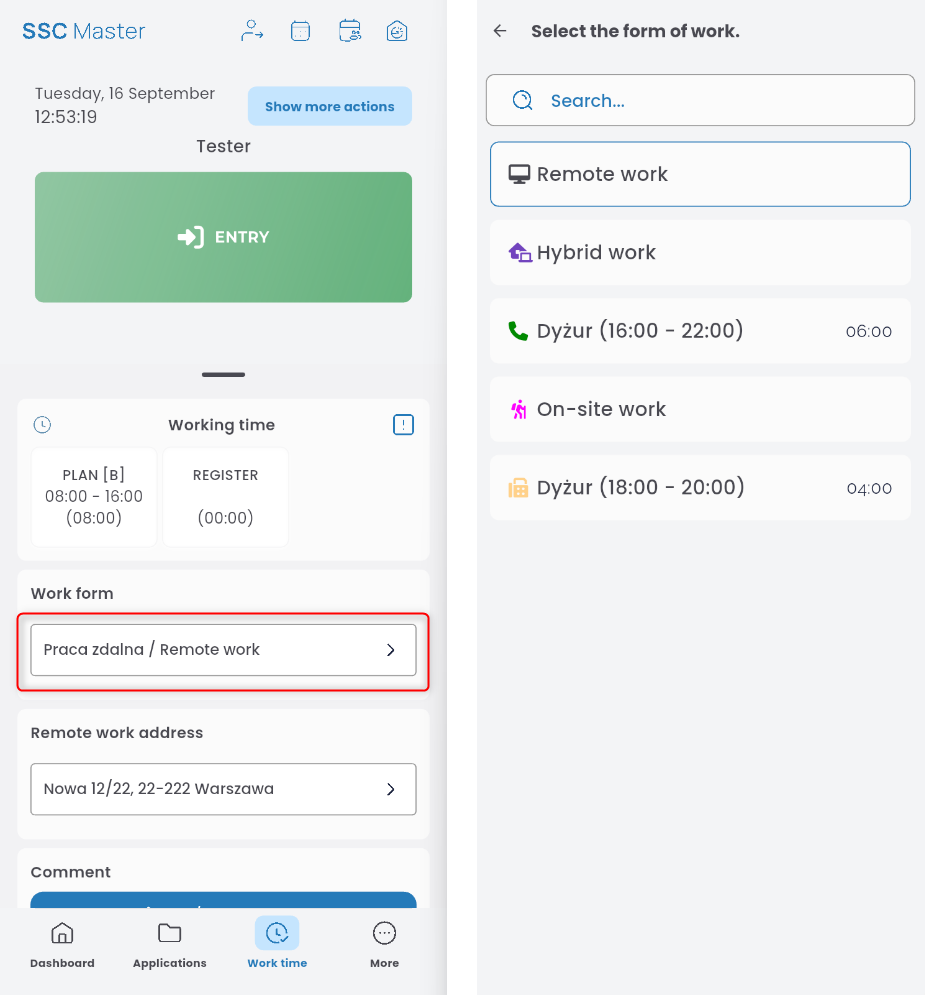
To select the form of work performed, expand the list and choose the appropriate option.
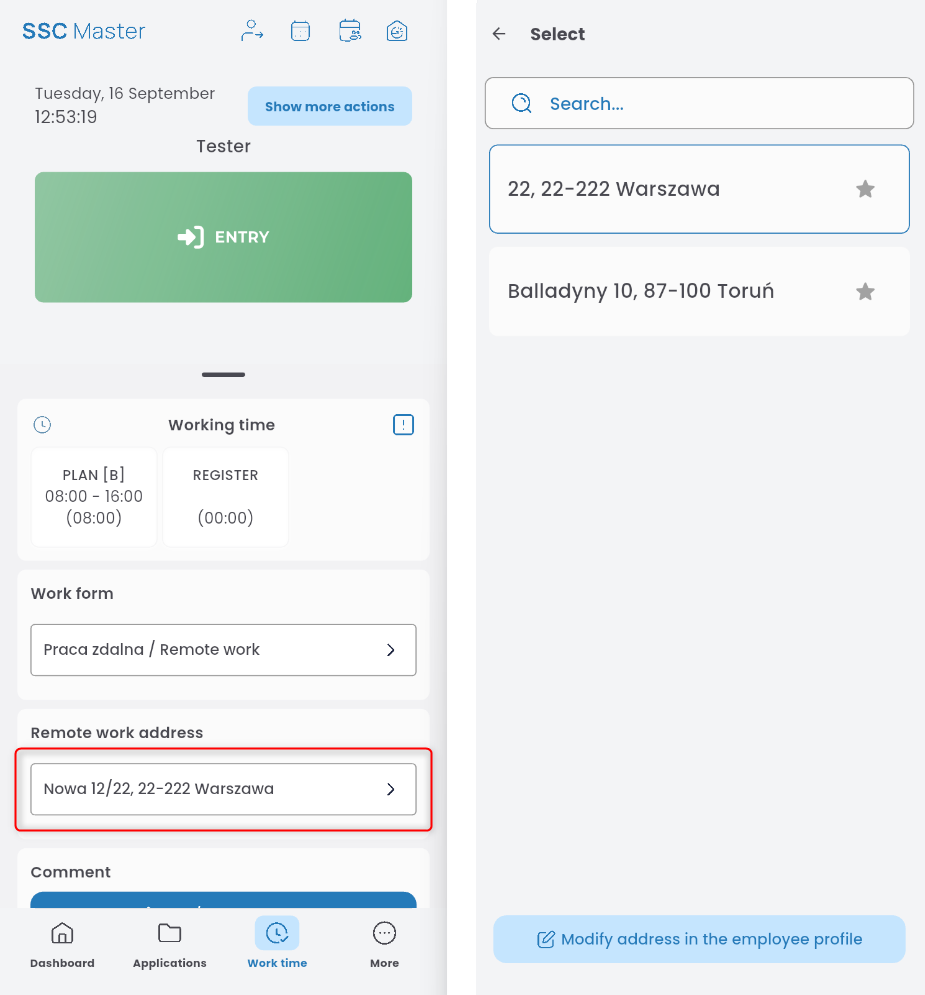
Some types of work require specifying an address.
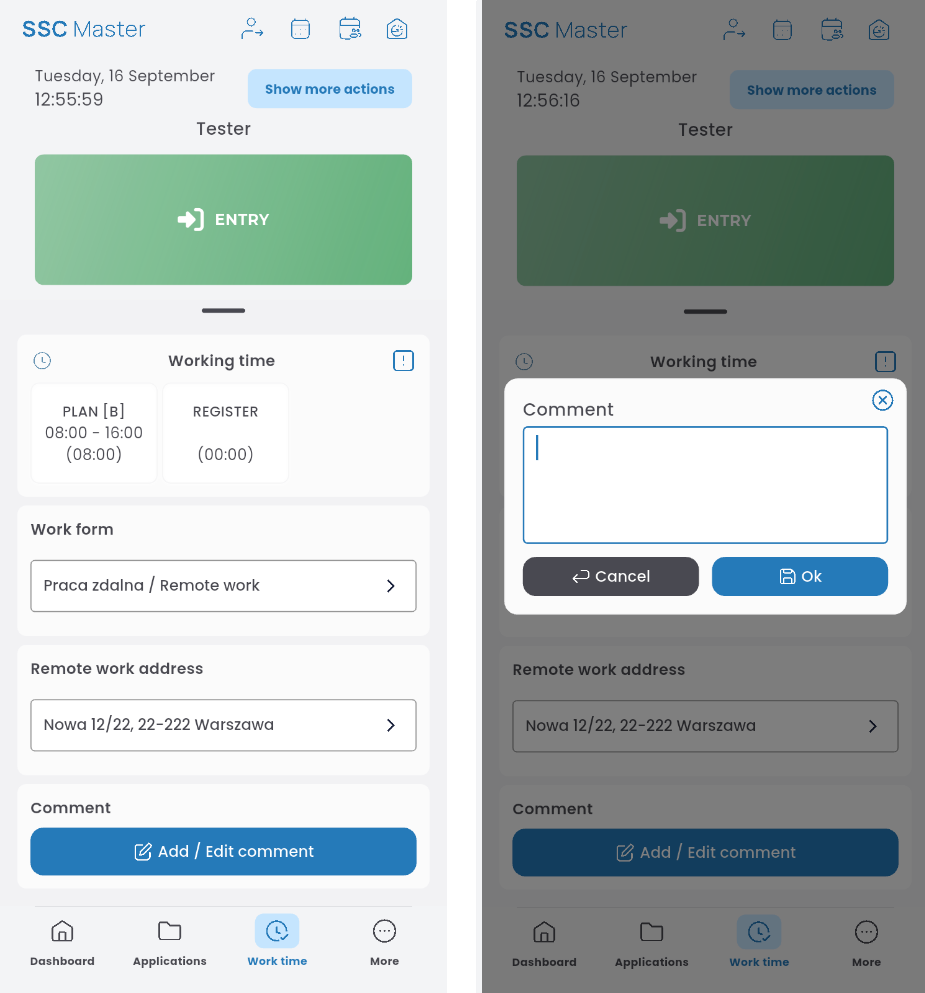
To add a comment, click ADD/EDIT COMMENT. Enter your comment and save.