Video tutorial:
The PARENTAL RIGHTS request is a special type of application. It is used to report and settle employee entitlements related to childcare, in accordance with the Labour Code.
Through this request, the employee informs the employer that they are exercising specific rights as a parent/guardian. Based on this information, the system and HR department know which rights apply to you (e.g., days off, protection from overtime).
Send the completed request for approval:
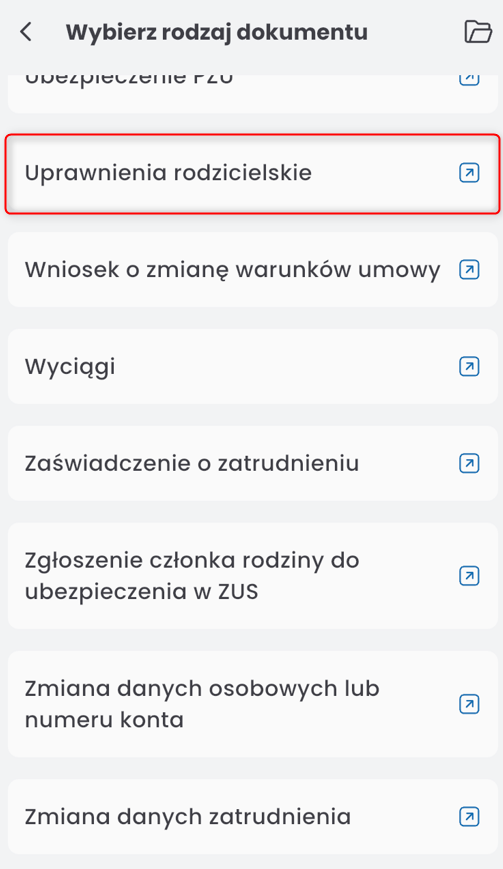
Select from the list of children to whom the request should apply:

NOTE: The list of children will only be displayed if the list of related persons is completed in the employee’s ORG profile (you can read more about this in the article: Employee Profile Description). If the list is not completed, a message will appear with a link to the ORG profile.
In the SCOPE OF PARENTAL RIGHTS section, two subsections will appear: CHILDREN DATA and SCOPE OF RIGHTS.

Select the start date of validity:
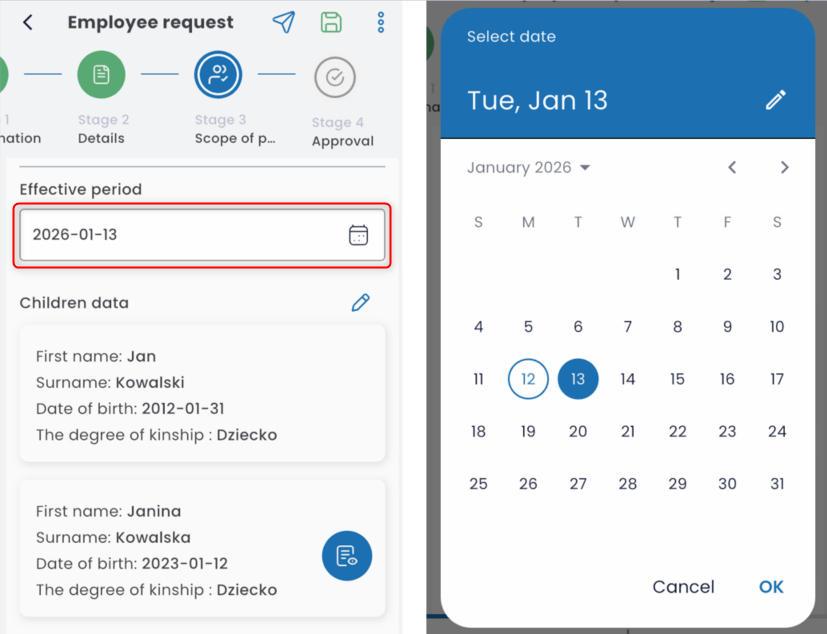
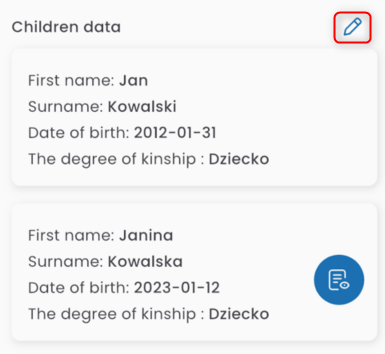
In the CHILDREN DATA table, the children selected earlier will be displayed. You can edit the list by clicking on he pen icon
In the table, select the option the request refers to:

After selecting the scope, additional options will appear under it.
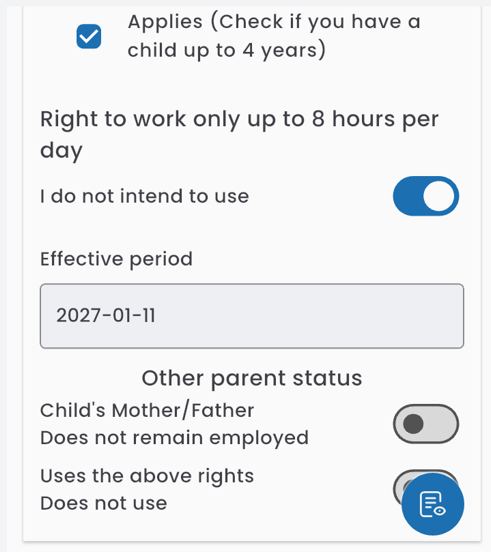
The toggle is used to indicate whether the applicant intends to use the entitlements (by default, the intention to use them is selected), as well as to display the entitlements that apply.
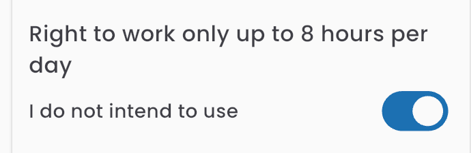
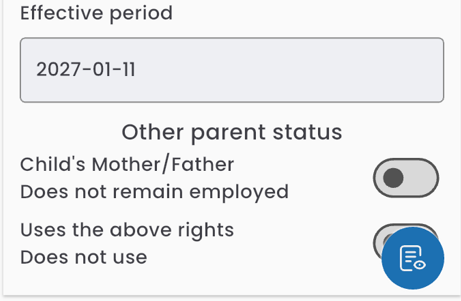
Below, the start date of the request’s validity is displayed, along with toggles for indicating information about the second parent (whether they intend to use the entitlements and their employment status).
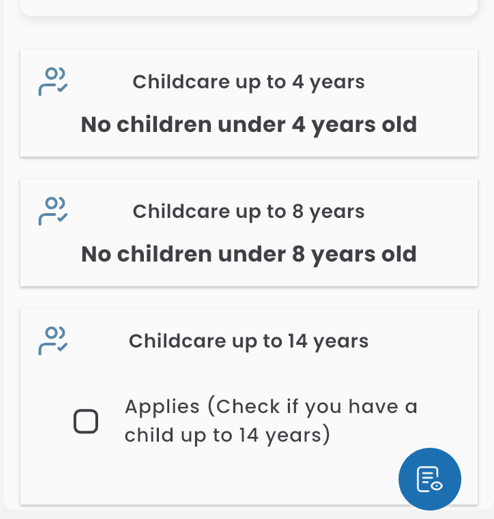
If the employee has children who do not meet the criteria for any option in the scope table, that option will be unavailable.
Send the completed request for approval.